Paste a story. Get a video with the same characters throughout.
Bring a story you want viewers to understand. Develop an idea or keep your written script, review the characters and places, then plan its action and dialogue as video clips.
Pay with Gems. No subscription required.
From a short outline to a finished story
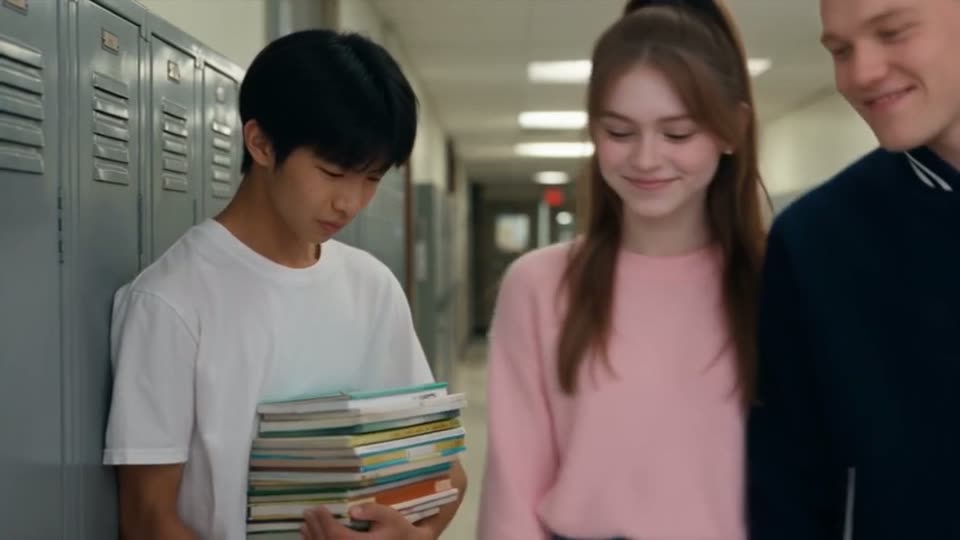
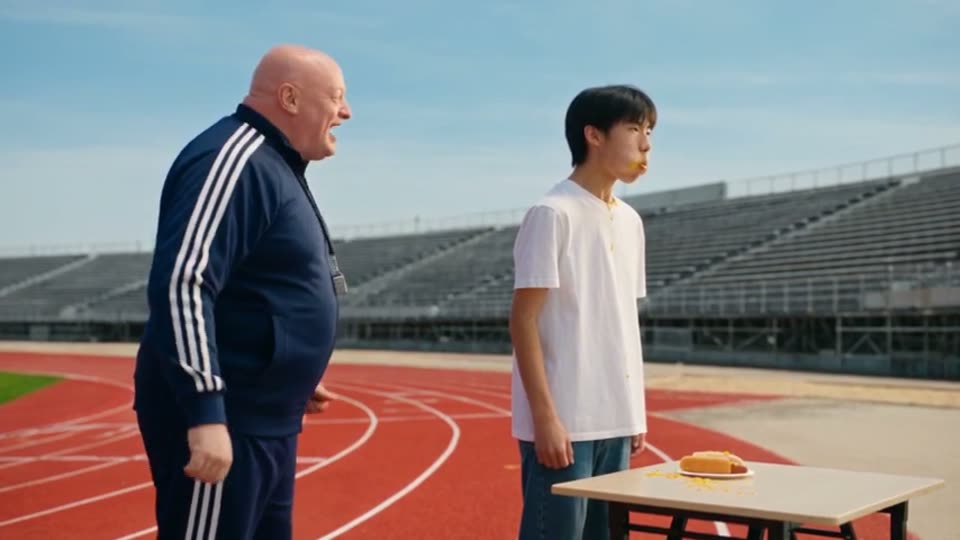
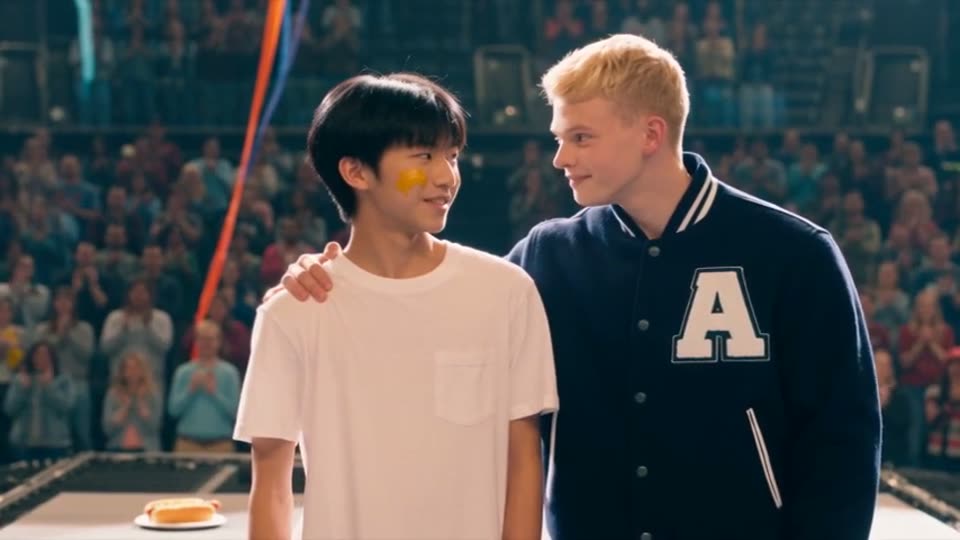
Hot Dog King started as a short outline: a shy student joins a hot-dog eating club to get closer to the girl he likes, and takes second place in the city final. These frames are from the video Zoromi made from it.

From four lines to a 77-second episode
Fated Crash is the shortest kind of story input: a logline, three characters, a setting and one line for the episode. From that, Zoromi wrote the script, made 17 cards and shot seven clips. The torn wedding dress the brief asked for is there from the first second to the last.
What the creator typed
A runaway bride crashes on a mountain road and is pulled from the wreck by a reclusive stranger who growls that she smells like his fated mate.
Characters: Emma Lane, the runaway bride, 26; Kael, the reclusive stranger, 32; Grant Whitmore, her groom, 34.
Setting: a snowy mountain road in Colorado; Kael's isolated log cabin in the woods.
Episode 1: A stranger drags her from her crashed car on a mountain road minutes after she fled her own wedding, and growls that she is his fated mate. Emma wears her wedding dress for the whole episode; no costume change.
What Zoromi planned - 7 clips, 1:17
- 1. Snowbound Rescue15 s
- 2. Fated9 s
- 3. Kael's Cabin - Alone5 s
- 4. Because It's True13 s
- 5. No Signal Up Here14 s
- 6. Headlights on the Mountain Road10 s
- 7. Claimed10 s
Seventeen reference cards were made once first: Emma, Kael, Grant, the armed men, the wolf, the silver sedan, the mountain road, the cabin, the blanket, the mug of tea and the rest.
What came out - the published first episode
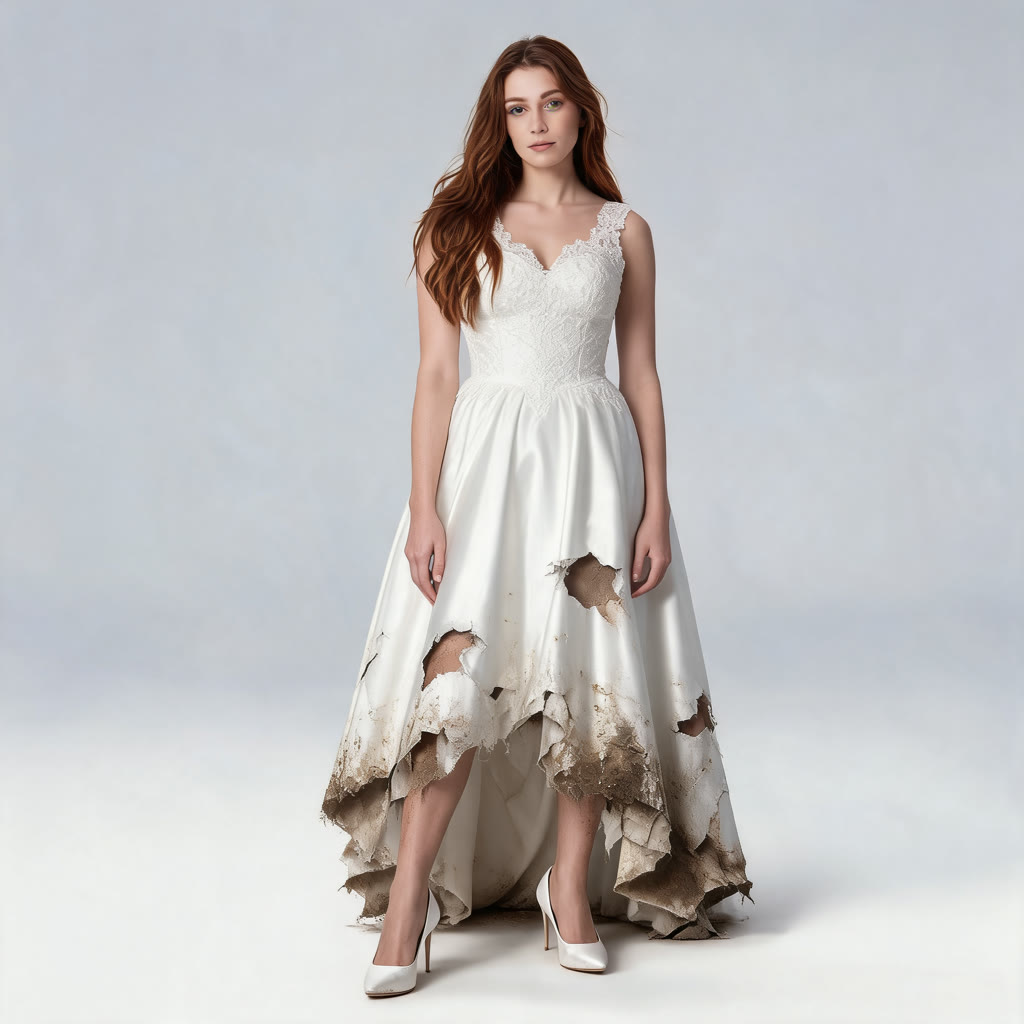
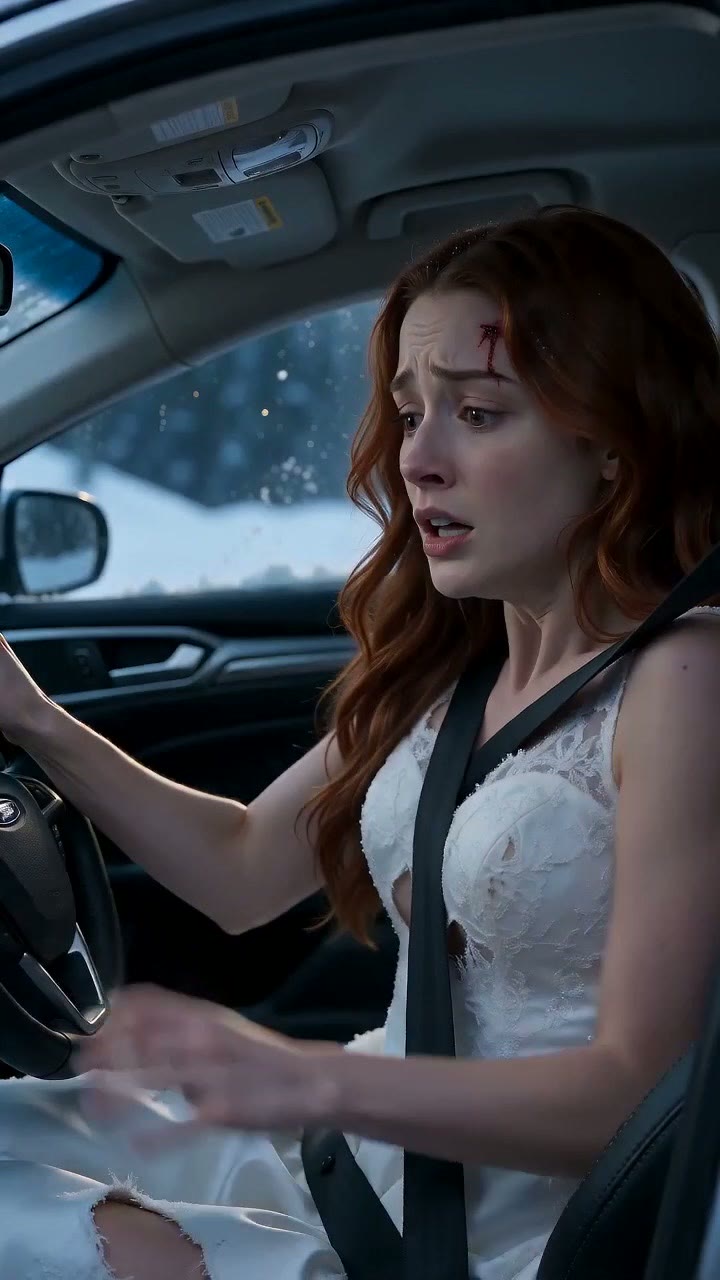

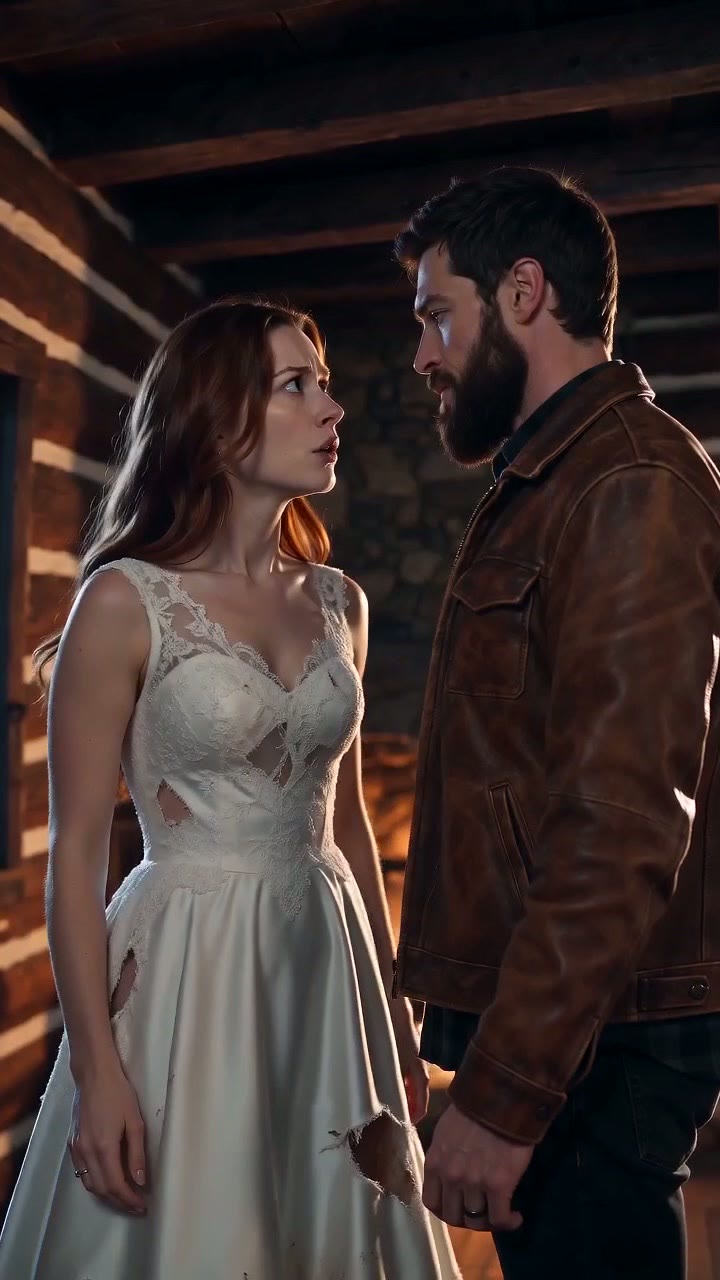
Emma's torn wedding dress is in clip 1 and still there in clip 7, because the brief said so once.
Watch Fated Crash in Zoromi Theater →From a chapter to a short film: the steps
- 1. Paste - A brief, a chapter or a script. Fated Crash began as the four lines above.
- 2. Develop - Zoromi writes the script; you read and edit it. No charge.
- 3. Cast and places - 17 reference cards, made once.
- 4. Plan - 7 clips with their lengths. No charge.
- 5. Make the clips - 7 clips, 1 min 17 s, 720p vertical.
- 6. Put the episode together and publish - The episode is assembled and published to Zoromi Theater. No charge.
Pictures and video clips use Gems. See the pricing page for Gems packs or optional monthly plans.
How it works
- Step 1
Paste
A sentence, a paragraph or a script.
- Step 2
Review
Check the cast designs and the clip plan.
- Step 3
Generate
All clips or a selection, then assemble in the Video Editor.
Start from an idea, an outline or a script
Begin with one sentence, a paragraph or a script. Choose whether to develop the idea or keep your writing, and review the script before planning. Check the workspace's current input and duration limits for your project.
Stories in English and Chinese are supported, and dialogue in the story is planned as spoken lines in the clips.
Review the plan
Review the cast designs and each clip's text and length. Pictures and video clips use Gems. Generate the whole story or only the clips you pick.
Questions
Can I start from just an idea?
Yes. One sentence is enough; Zoromi expands it into a script you can read and edit before it plans the clips.
Which languages can the story be in?
English and Chinese stories are supported, including dialogue.
What does it cost to turn a story into a video?
It depends on the number and length of clips. For scale: the first episode of Fated Crash is seven clips, 1 minute 17 seconds in all, at 720p. See the pricing page for Gems packs or optional monthly plans.
More answers in the FAQ and current rates on the pricing page.
Try it with your own story
Bring your story, then choose what to generate.
Paste your story