Novel to video AI
Turn a chapter of your novel into consecutive clips
A chapter is longer than a prompt, and that is the point: the people in it recur. Paste your own writing, review the cast and places it describes, then plan the chapter as clips that run in order. Reference images and video generation have separate costs to review as you go.
Review the price shown for each step. Pay with Gems; no subscription required.
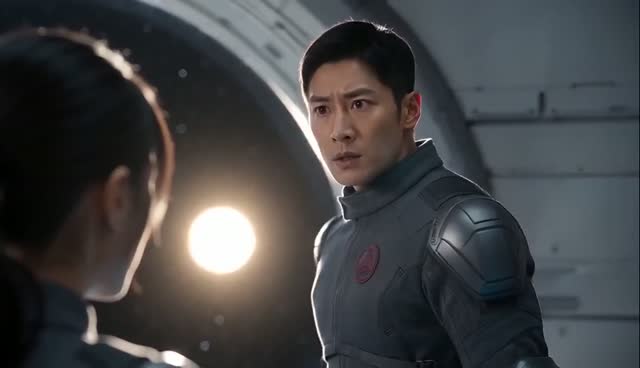
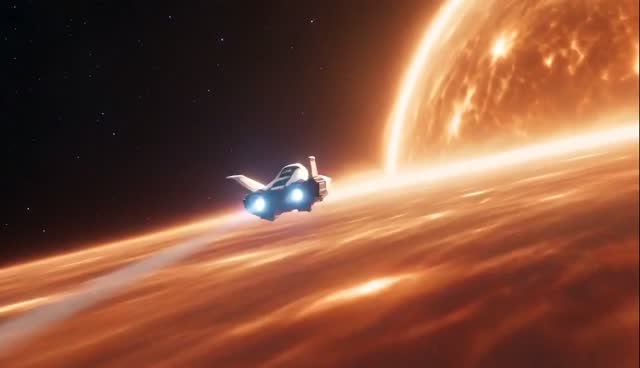
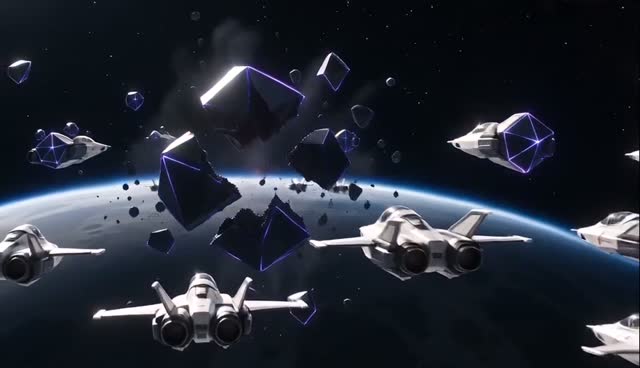
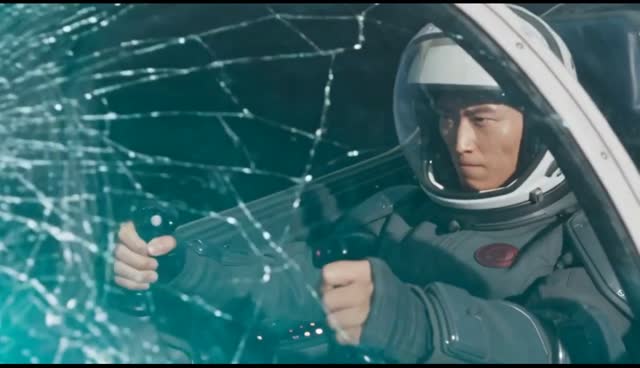
One story, thirteen clips, the same pilot at the start and at the end
Signal Behind the Sun was written as a story and planned as thirteen consecutive clips. These four frames are from across the finished film: the pilot who reads the signal in the first minutes is the pilot behind the cracked canopy at the end.
How it works
- Step 1
Paste the chapter
Your own text, kept as written or developed into a script first.
- Step 2
Review the plan
Check the cast designs, the shot list and the displayed price for the next action.
- Step 3
Generate
All the clips or a selection, then assemble in the Video Editor.
Keep your own writing, or develop it first
Choose whether to keep your chapter as written or let Zoromi develop it into a script. Either way you read the script before anything is planned or generated, and you can edit it there.
Chapters in English and Chinese are supported, and the dialogue in your writing is planned as spoken lines rather than narration.
A long chapter becomes clips that run in order
Zoromi splits the chapter into shots with their own length, action and dialogue, and carries the cast designs from one shot into the next. Review the shot plan before generating, and generate the whole chapter or only the shots you pick.
A chapter that runs long is planned as more clips rather than a faster one. Check the workspace's current input and duration limits for your project.
The next chapter can reuse this chapter's cast
Save the project and start the next chapter from the same cast designs, so a returning character uses the reference design you have already chosen.
Questions
Can I keep my own wording instead of having it rewritten?
Yes. Choose to keep your writing and Zoromi plans the shots from your text instead of rewriting it; you still see the script before anything is generated.
How long a chapter can I paste?
Longer text is planned as more clips rather than compressed into fewer. Check the input and duration limits shown in the workspace for your project.
Will a character look the same in chapter two?
Continue the saved project to bring its cast designs into the next chapter. Select the references for returning characters, review the new scenes and generate the chapter's clips. You can refine individual takes before assembling the video.
What does it cost to turn a chapter into video?
Pictures, video clips and audio use Gems; costs depend on the selected settings and amount of content. Review the displayed price in the workspace before generating, and see the pricing page for Gems packs or optional monthly plans.
More answers in the FAQ and current rates on the pricing page.
Try it with your own story
Bring your story, review the available steps and prices, then choose what to generate.
Paste a chapter